Remember what you’ve used.
“I know I've tried this before. I just don't remember when.” A shelf that keeps the answer.
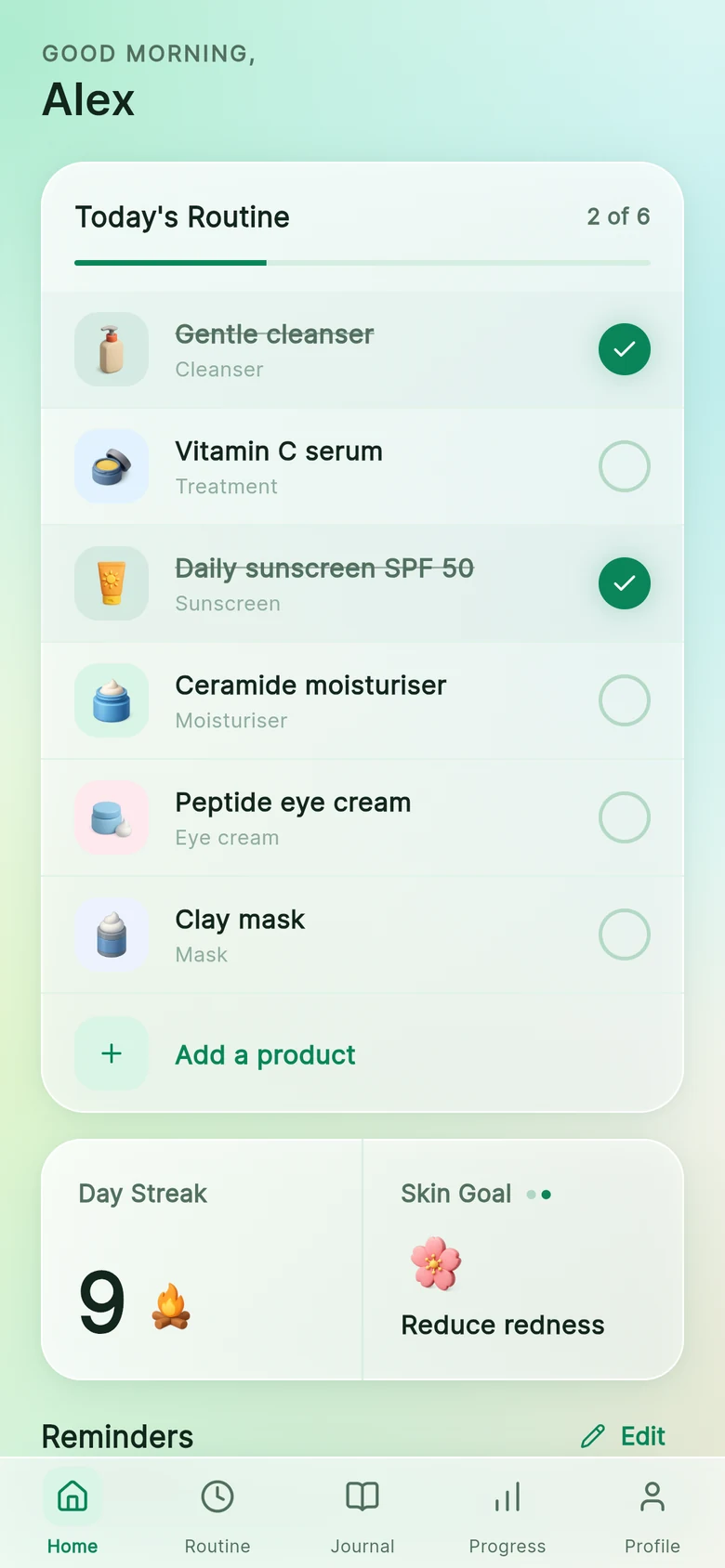
- Gentle cleanserAster · Started Jun 2026In use
- Daily sunscreen SPF 50Northfield · Started Jun 2026In use
- Vitamin C serumVerdant · Started Apr 2026In use
- Ceramide moisturiserHollis & Co · Started Mar 2026In use
- Peptide eye creamLinden · Started May 2026In use
- Clay maskVerdant · Started May 2026In use
- Exfoliating tonerAster · Started Feb 2026, paused Jun 2026Paused
Your shelf is not a wish list or a catalogue. It is a record of what you actually use, and for how long, with the dates attached.
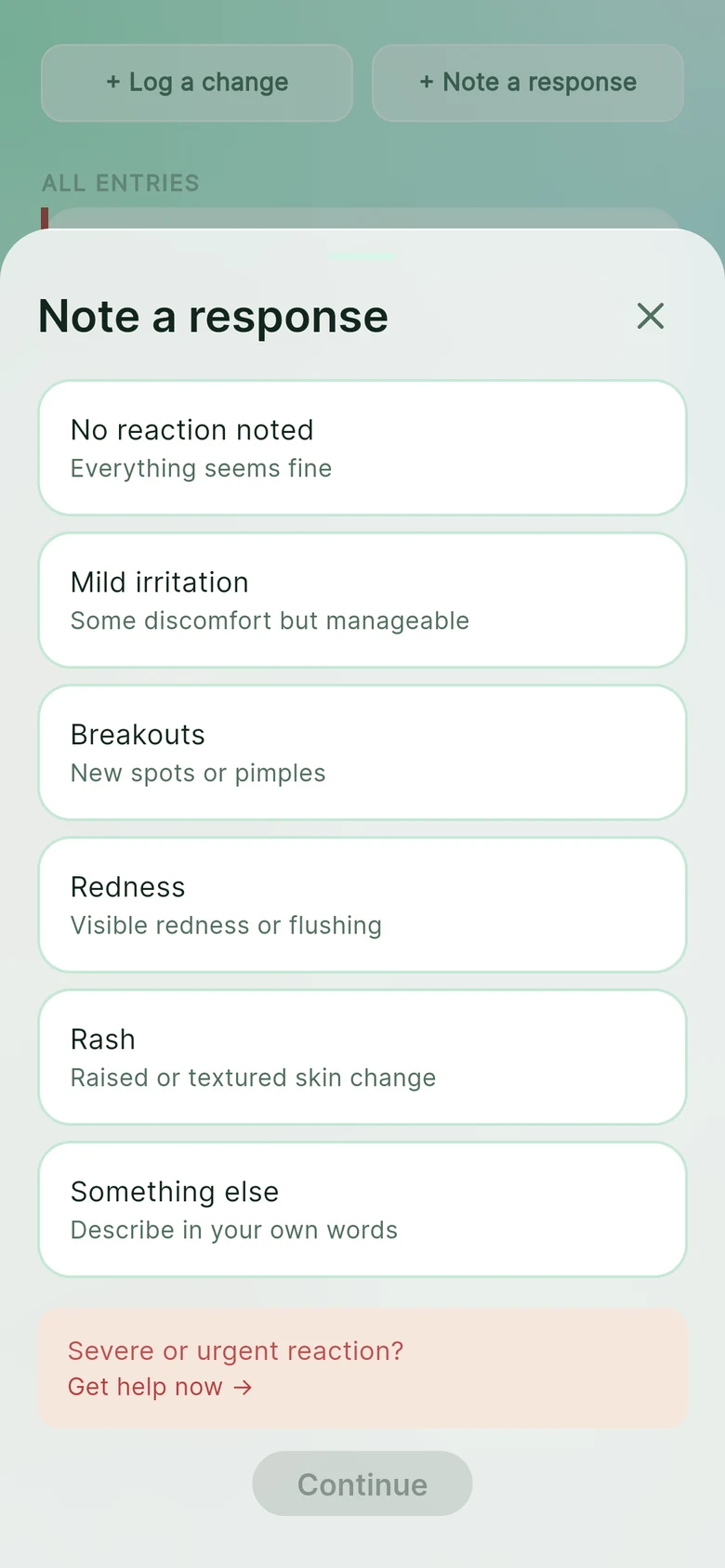
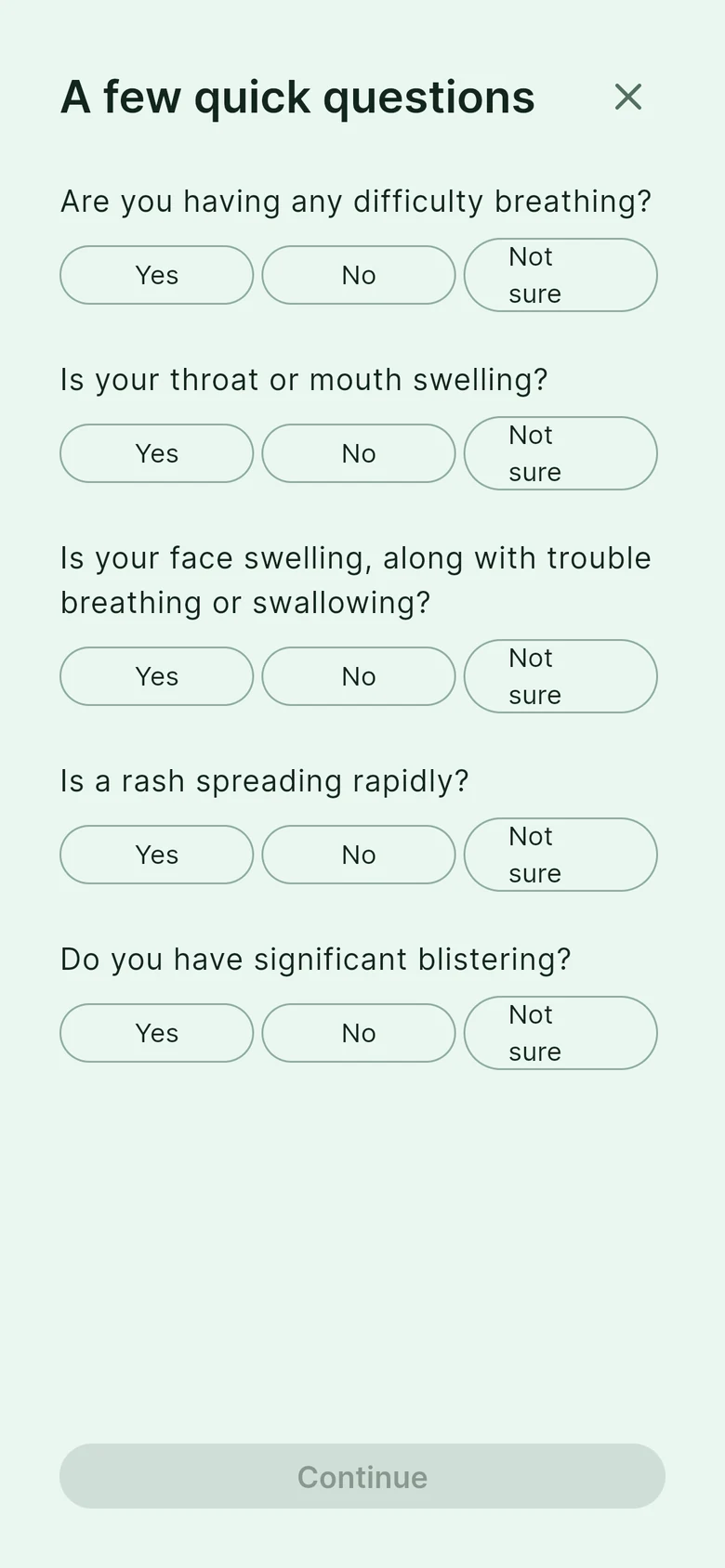
Three ways in, all confirmed by you.
However a product arrives on your shelf, you check the details before it is saved.
Search by name
Find it in Open Beauty Facts, a public product database, and confirm the details. What you type is sent there to look it up.
Take two photos
Photograph the front of the product and its ingredient list. Both are read on your phone, nothing is uploaded, and you check and edit what it filled in.
Enter it yourself
Type the brand and product name. Ingredients are optional.
What each product remembers.
Brand and name
As printed on the pack, or as you know it.
Ingredients
Optional. Paste them in or type them if you like to have them to hand.
A role
What it is for in your routine. Nine to choose from.
Morning
For the start of the day.
Night
For the end of it. Or choose both.
Date added
The one detail that is hard to reconstruct later.
Roles: Cleanser, Moisturiser, Sunscreen, Treatment, Exfoliant, Eye cream, Toner, Mask, Other.
In use, paused, dropped.
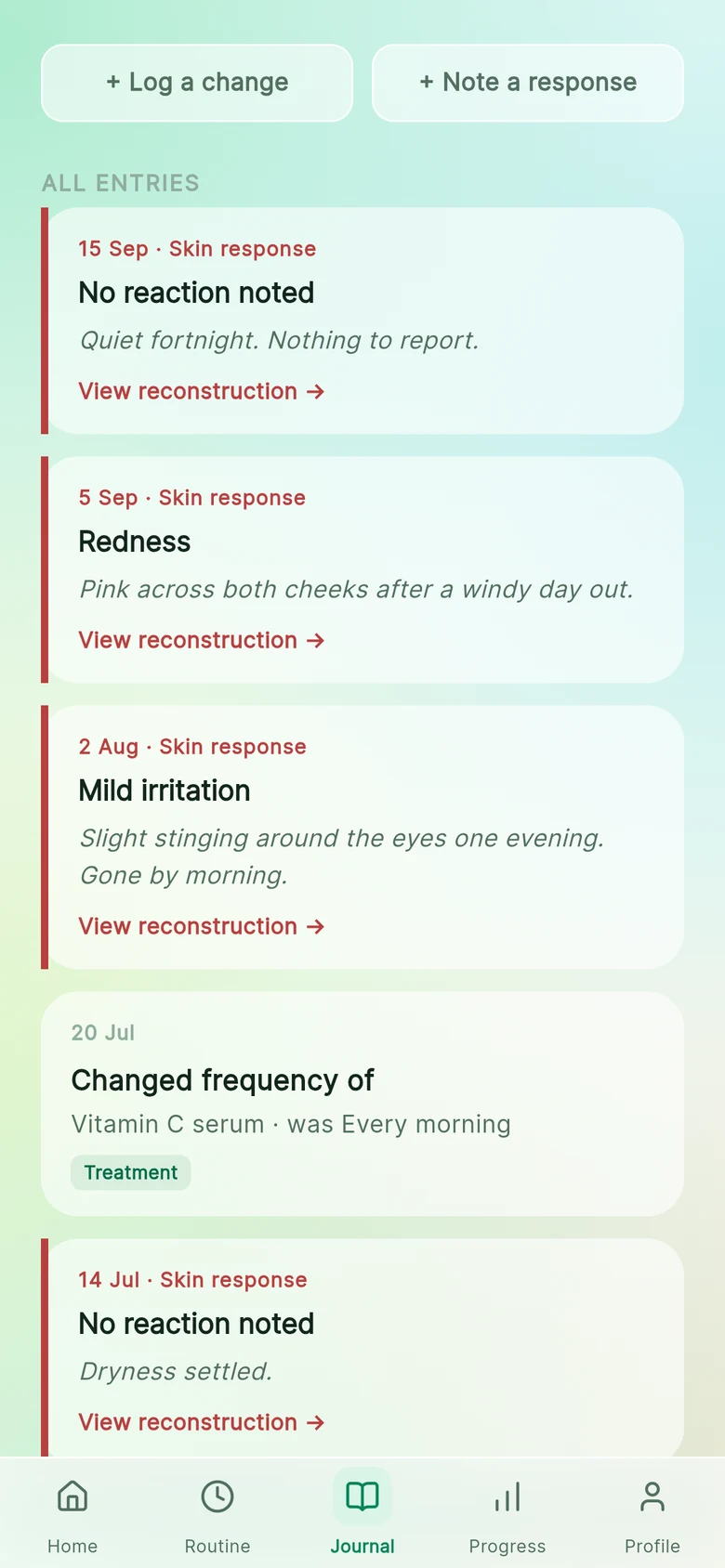
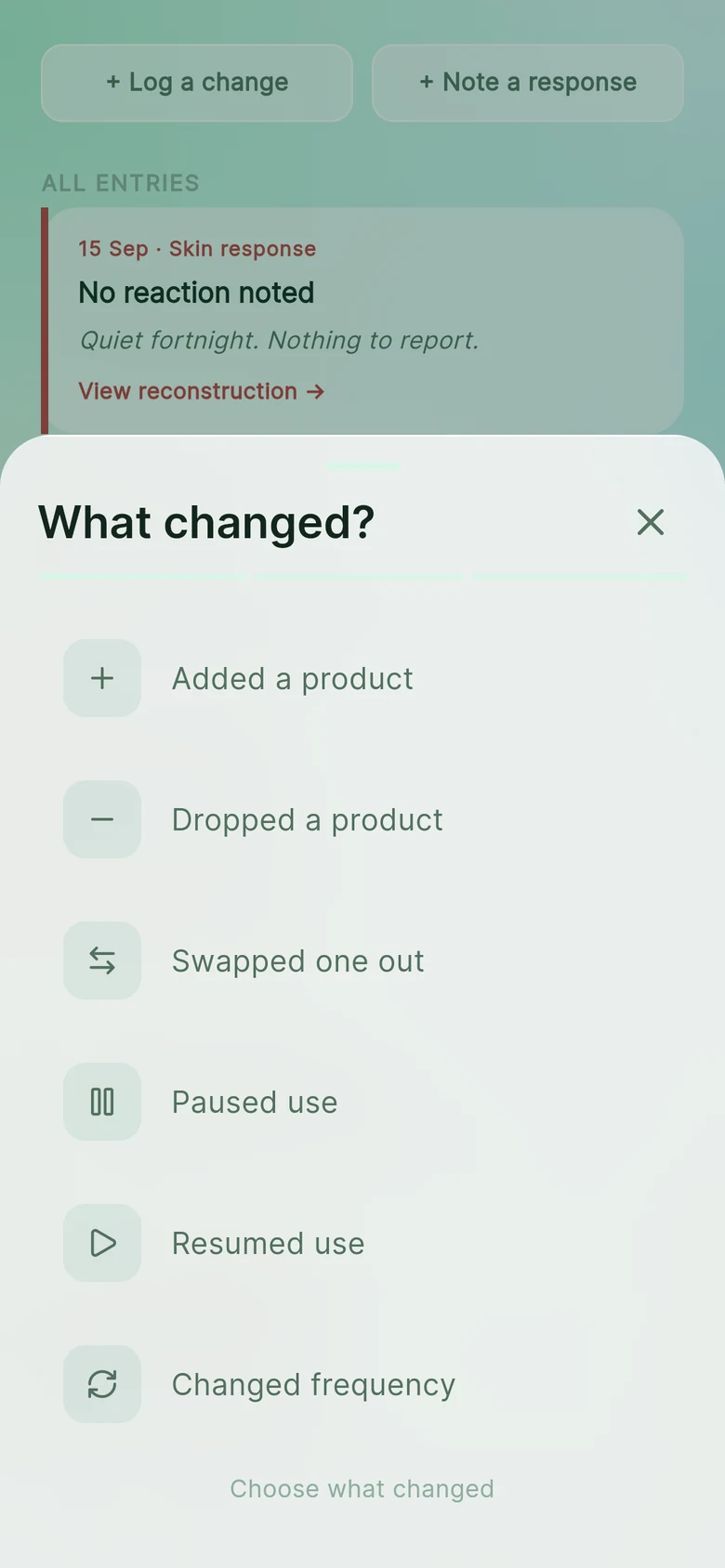
A product's status changes, and each change is dated, so the shelf you had in March is still recoverable in September.
In use
Part of your routine right now. It appears on your daily list.
Paused
On hold. Perhaps you are giving your skin a rest, or the season changed.
Dropped
Finished with it. It stays in your record, so “did I try that?” has an answer.
A shelf becomes a routine.
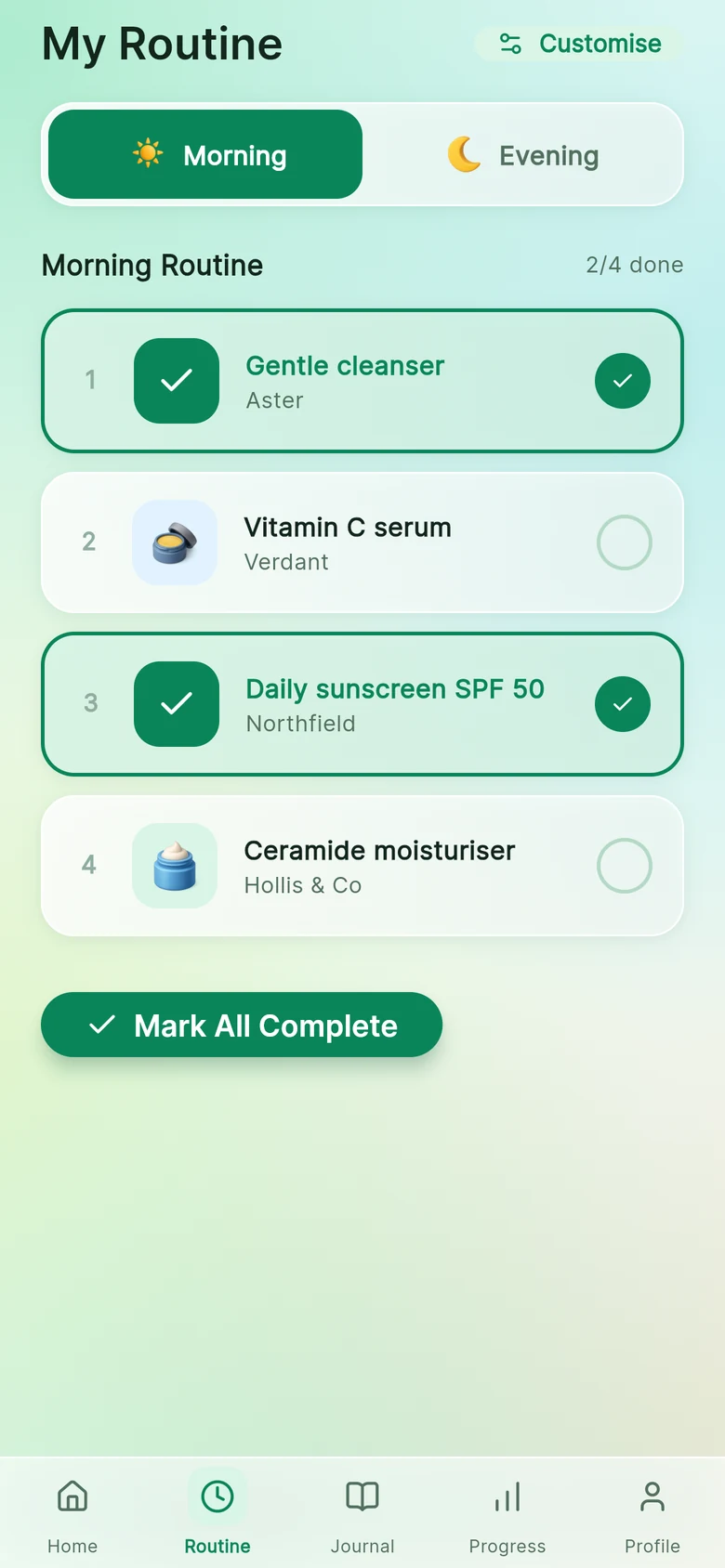
The Routine tab splits your products into morning and evening, in the order you use them.
Tick it off, or don't.
Mark products as done through the day, or all at once. You never have to log every day, and gaps are fine.
Reminders you set.
Choose a morning and an evening time, and which days. Turn them off whenever you like.
Two of the same?
If you add a second active product with the same role, the app mentions it, in case that is not what you meant. You can carry on regardless.